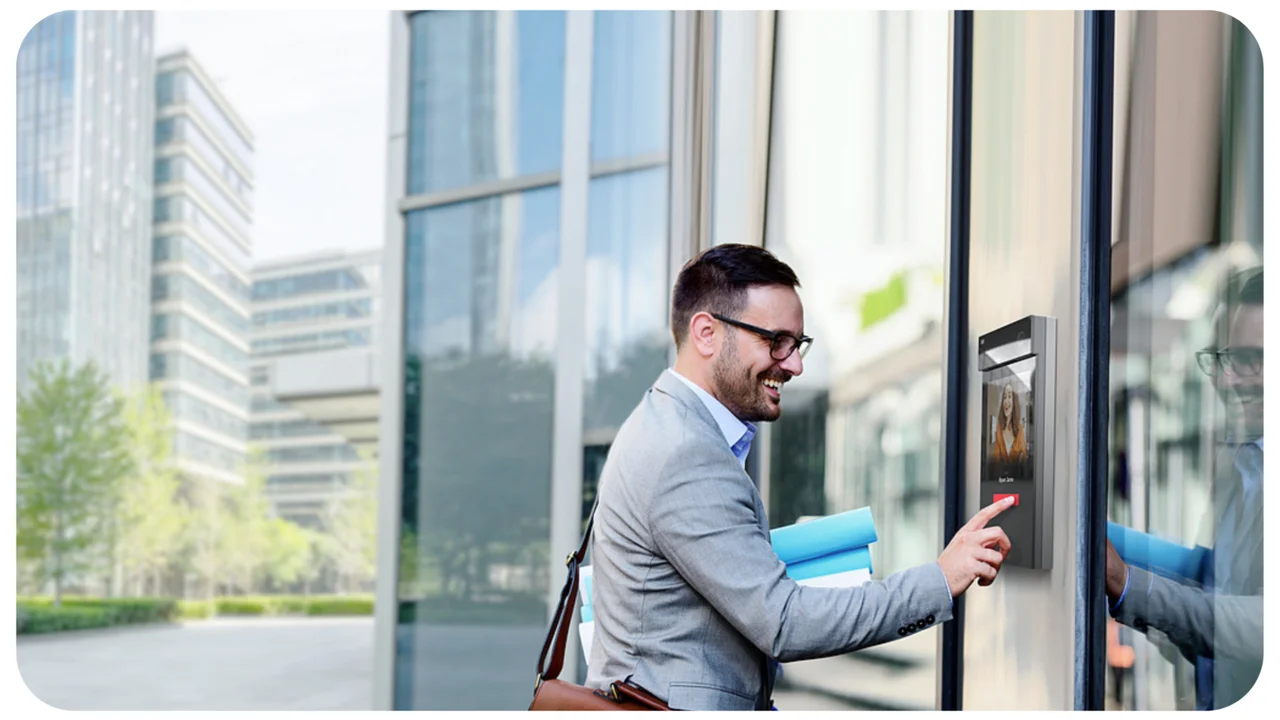
Comparing Key Card vs Biometric Access Control
Understand the differences between key card and biometric access control systems to choose the most secure option.
Understand the differences between key card and biometric access control systems to choose the most secure option.
Comparing Key Card vs Biometric Access Control
When it comes to securing your premises, whether it's a bustling office, a quiet residential building, or a high-security data center, access control systems are your first line of defense. But with so many options out there, how do you pick the right one? Today, we're diving deep into two of the most popular choices: key card access control and biometric access control. We'll break down their features, pros, cons, typical use cases, and even some product recommendations to help you make an informed decision. Let's get started!
Key Card Access Control Systems What You Need to Know
Key card access control systems have been a staple in security for decades, and for good reason. They offer a convenient and relatively secure way to manage who enters and exits a building or specific areas within it. Essentially, users are issued a physical card – often resembling a credit card – that contains embedded information. When this card is presented to a reader, the system verifies the information and grants or denies access.
How Key Card Systems Work The Basics of RFID and NFC
Most modern key card systems rely on RFID (Radio-Frequency Identification) or NFC (Near Field Communication) technology. When you swipe or tap your card, the reader emits a radio frequency that energizes a microchip and antenna embedded in the card. This allows the card to transmit its unique identification number back to the reader. The reader then sends this data to a central control panel or software, which checks if the card number is authorized for that specific door at that particular time. If it is, the door unlocks. Pretty neat, right?
Types of Key Cards and Readers Exploring Proximity Smart and Magstripe Options
- Proximity Cards (Prox Cards): These are very common. They don't need to physically touch the reader; a simple wave or hold near the reader is enough. They're generally durable and cost-effective.
- Smart Cards: These cards contain a microchip that can store more data and perform more complex functions, including encryption. They offer a higher level of security than prox cards and can be used for multiple applications, like access control, cashless payments, and time and attendance.
- Magnetic Stripe Cards (Magstripe Cards): While less common in new installations due to lower security and durability, these are still found in some older systems. They require a physical swipe through a reader, and the magnetic stripe can wear out over time.
Advantages of Key Card Access Control Convenience and Cost Effectiveness
- Convenience: Easy to issue, carry, and use.
- Cost-Effective: Generally, the initial setup cost for key card systems can be lower than biometric systems, especially for smaller installations.
- Easy Management: Cards can be easily activated, deactivated, or reissued if lost or stolen through central software.
- Audit Trails: Most systems keep a detailed log of who entered where and when, which is invaluable for security investigations.
- Scalability: Relatively easy to add or remove users as your organization grows or changes.
Disadvantages of Key Card Access Control Security Risks and Physical Limitations
- Lost or Stolen Cards: This is the biggest vulnerability. A lost card can be used by an unauthorized person until it's reported and deactivated.
- Card Sharing: Employees might share cards, compromising security.
- Physical Wear and Tear: Cards can get damaged, bent, or demagnetized (for magstripe cards), requiring replacement.
- Cloning: Some older or less secure card technologies can be vulnerable to cloning, where an unauthorized copy of the card is made.
- Cost of Replacements: While individual cards are cheap, replacing many lost or damaged cards can add up.
Typical Use Cases for Key Card Systems Offices Schools and Residential Buildings
Key card systems are ideal for environments where a balance of security and convenience is needed. Think corporate offices, universities, public libraries, and residential apartment complexes. They're great for managing employee access, student entry, or resident access to common areas. For example, a small business might use a key card system to allow employees access to the main office during business hours, while restricting access to server rooms to only IT staff.
Recommended Key Card Access Control Products and Pricing
- Paxton Net2: A popular choice for small to medium-sized businesses. It's user-friendly, scalable, and offers a good range of features. A basic system for a few doors might start around $1,500 - $3,000 for hardware and software, plus card costs (around $3-$5 per card).
- HID Global VertX EVO: Known for its robust and secure solutions, often used in larger enterprises. Hardware costs can range from $500 - $1,500 per door controller, with software licenses varying based on features and user count.
- Kisi: A cloud-based access control system that integrates well with existing infrastructure. Offers mobile access alongside key cards. Monthly subscriptions typically start from $15-$25 per door, plus hardware costs (readers around $300-$500).
Biometric Access Control Systems The Future of Security
Biometric access control takes security to the next level by using unique biological characteristics to verify identity. Instead of relying on something you have (like a card), it relies on something you are. This inherently makes it more secure, as biometric traits are much harder to lose, forget, or fake.
How Biometric Systems Work Fingerprint Facial and Iris Recognition
Biometric systems capture a unique physical or behavioral trait, convert it into a digital template, and store it in a database. When a user attempts to gain access, their biometric data is scanned again, converted into a template, and compared to the stored template. If there's a match, access is granted.
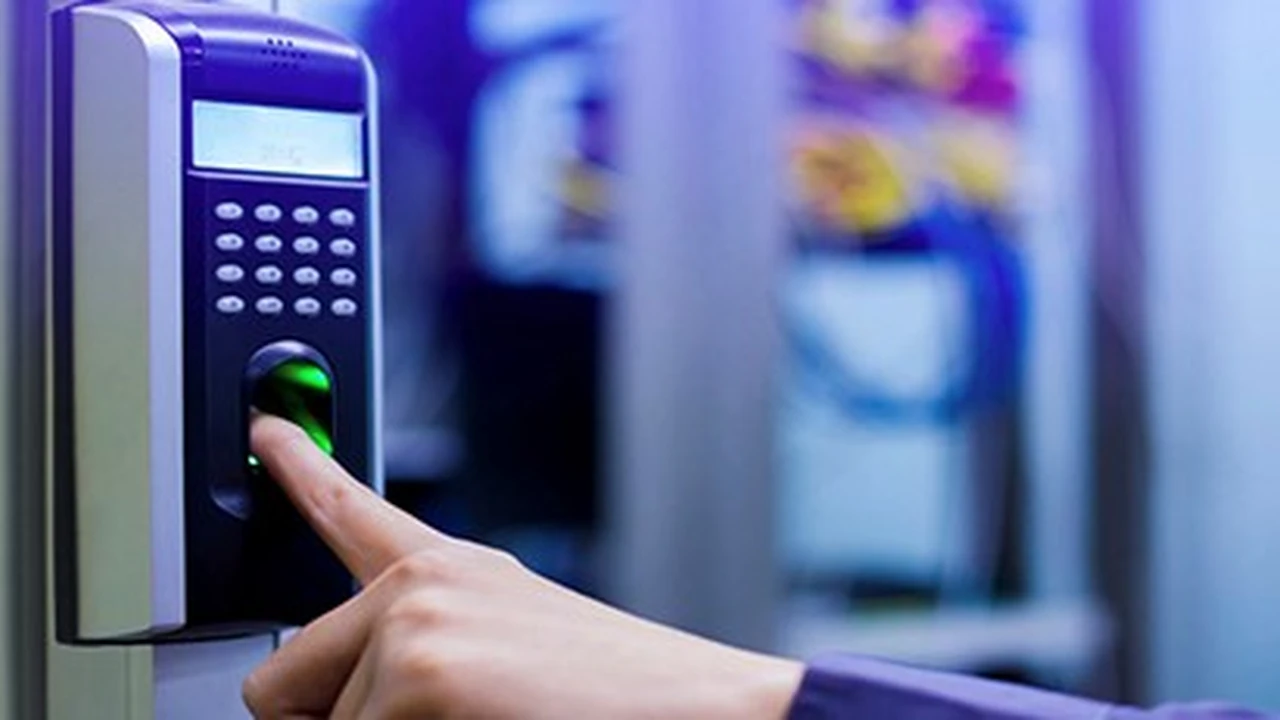
- Fingerprint Recognition: The most common type. A scanner captures the unique patterns of ridges and valleys on your finger.
- Facial Recognition: Analyzes unique facial features, such as the distance between eyes, nose, and mouth. Advanced systems can even detect liveness to prevent spoofing with photos.
- Iris Recognition: Scans the unique patterns in the iris of the eye. Highly accurate and considered one of the most secure biometric methods.
- Vein Recognition: Scans the unique pattern of blood vessels beneath the skin, typically in the palm or finger. Very difficult to spoof.
Advantages of Biometric Access Control Unparalleled Security and Convenience
- High Security: Biometric traits are unique to an individual, making them extremely difficult to forge or share.
- No Lost Credentials: You can't lose your fingerprint or forget your face! This eliminates the risk of lost or stolen cards.
- Enhanced Accountability: It's much harder to deny access when your unique biometric data is recorded.
- Convenience: A quick scan or glance is often all it takes, making entry seamless for authorized users.
- Reduced Operational Costs: No need to issue, replace, or manage physical cards, saving on administrative overhead.
Disadvantages of Biometric Access Control Cost Privacy and Accuracy Concerns
- Higher Initial Cost: Biometric readers and software are generally more expensive than key card systems.
- Privacy Concerns: Storing biometric data raises privacy issues, and organizations need to be transparent about how this data is collected, stored, and protected.
- Accuracy Issues: While highly accurate, factors like dirt, cuts, or even aging can sometimes affect fingerprint scans. Facial recognition can be impacted by lighting or masks.
- Enrollment Process: Initial enrollment can be more involved than simply issuing a card.
- Public Perception: Some individuals may be uncomfortable with biometric scanning due to privacy concerns.
- Hygiene: For fingerprint scanners, especially in high-traffic areas, hygiene can be a concern, though touchless options are becoming more prevalent.
Typical Use Cases for Biometric Systems High Security Areas and Data Centers
Biometric systems shine in environments where security is paramount. Think government facilities, research labs, data centers, financial institutions, and areas with highly sensitive information or valuable assets. They're also increasingly used in healthcare facilities to restrict access to patient records or medication storage. For instance, a data center might use iris scanners for entry into server rooms, ensuring only highly authorized personnel can access critical infrastructure.
Recommended Biometric Access Control Products and Pricing
- Suprema BioEntry W2: A robust outdoor-ready fingerprint reader. Ideal for high-traffic areas. Readers typically cost $600 - $1,000 each, plus software.
- ZKTeco SpeedFace V5L: Offers multi-biometric verification (facial, fingerprint, palm vein). Good for both security and time attendance. Devices range from $400 - $800.
- HID Global iCLASS SE RB25F: Combines fingerprint and smart card technology for multi-factor authentication. High-security applications. Readers can be $800 - $1,500.
- Iris ID IrisAccess iCAM7S Series: Top-tier iris recognition for the highest security needs. These are premium devices, with costs often starting from $2,000 - $5,000 per reader.
Key Card vs Biometric A Head-to-Head Comparison for Optimal Security
Now that we've looked at each system individually, let's put them side-by-side to highlight their key differences and help you decide which might be best for your specific needs.
Security Levels Comparing Vulnerabilities and Strengths
Key Card: Moderate security. Vulnerable to loss, theft, and sharing. Cloning is a risk with less secure technologies. However, modern smart cards with encryption offer better protection.
Biometric: High security. Extremely difficult to forge or share. The 'something you are' factor makes it inherently more secure. Advanced systems include liveness detection to prevent spoofing.
Cost Analysis Initial Investment vs Long Term Expenses
Key Card: Lower initial hardware cost. Ongoing costs for card replacement and management. Software licenses can vary.
Biometric: Higher initial hardware cost. Lower ongoing costs as there are no physical credentials to replace. Software can also be more complex and thus more expensive.
Convenience and User Experience Ease of Use and Enrollment
Key Card: Very convenient for users. Quick tap or swipe. Easy enrollment. However, users must remember to carry their card.
Biometric: Highly convenient once enrolled. No physical item to carry. Enrollment can be slightly more involved, requiring careful capture of biometric data.
Scalability and Integration Expanding Your Access Control System
Key Card: Highly scalable. Easy to add new users and doors. Integrates well with other security systems like CCTV and alarm systems.
Biometric: Also scalable, but adding new biometric readers can be more costly. Integration capabilities are generally strong, especially with modern IP-based systems.
Privacy and Compliance Navigating Data Protection Regulations
Key Card: Minimal privacy concerns as only an ID number is stored. Generally easier to comply with data protection regulations.
Biometric: Significant privacy concerns due to the storage of unique personal biological data. Requires careful consideration of GDPR, CCPA, and other data protection laws. Organizations must have clear policies and robust security measures for biometric data.
Hybrid Access Control Systems The Best of Both Worlds
Sometimes, the best solution isn't one or the other, but a combination of both. Hybrid access control systems integrate key card and biometric technologies to offer multi-factor authentication. This means a user might need to present a key card and scan their fingerprint to gain access. This approach significantly enhances security, as an intruder would need both a stolen card and a way to spoof a biometric scan.
Benefits of Multi Factor Authentication Enhanced Security and Flexibility
- Superior Security: By requiring two or more forms of authentication, the system becomes much harder to breach.
- Flexibility: You can tailor the level of security to different areas. For example, a main entrance might use a key card, while a server room requires both a key card and a fingerprint.
- Redundancy: If one authentication method fails (e.g., a fingerprint scanner malfunctions), the other can still be used, or a temporary key card can be issued.
When to Consider a Hybrid System High Value Assets and Sensitive Data
Hybrid systems are ideal for environments with varying security needs, high-value assets, or sensitive data. Think financial institutions, government buildings, pharmaceutical companies, or any facility where a breach could have severe consequences. They offer peace of mind by layering security measures.
Making Your Decision Choosing the Right Access Control for Your Needs
So, how do you decide? It really boils down to your specific requirements, budget, and risk tolerance. Here are some questions to ask yourself:
- What is the primary goal of your access control system? Is it basic entry management, or do you need to protect highly sensitive areas?
- What is your budget? Consider both initial setup and ongoing maintenance costs.
- How many users will be accessing the system?
- What level of security is required for different areas? Do some areas need more stringent control than others?
- Are there any regulatory compliance requirements you need to meet? (e.g., HIPAA for healthcare, PCI DSS for financial data).
- What are the privacy concerns of your employees or residents?
- How important is convenience for your users?
- Do you need integration with other security systems (CCTV, alarm systems)?
For many small to medium-sized businesses or residential buildings, a well-implemented key card system offers a good balance of security and affordability. However, if you're dealing with high-value assets, sensitive data, or simply want the absolute highest level of security, investing in a biometric or hybrid system is definitely the way to go. Remember, the best access control system is one that meets your security needs, fits your budget, and is easy for authorized users to operate.
Ultimately, whether you choose key cards, biometrics, or a combination, the goal is the same: to keep your premises safe and secure. By understanding the nuances of each system, you're well on your way to making an informed decision that protects what matters most to you.
:max_bytes(150000):strip_icc()/277019-baked-pork-chops-with-cream-of-mushroom-soup-DDMFS-beauty-4x3-BG-7505-5762b731cf30447d9cbbbbbf387beafa.jpg)