DIY Smart Home Security Systems Pros and Cons
Weigh the advantages and disadvantages of DIY smart home security systems to decide if they are right for your needs.
Weigh the advantages and disadvantages of DIY smart home security systems to decide if they are right for your needs.
DIY Smart Home Security Systems Pros and Cons
Hey there! Thinking about beefing up your home security but not sure if you should go the DIY route? You're in the right place. DIY smart home security systems have become super popular, and for good reason. They offer a lot of flexibility and can save you some cash. But, like anything, they come with their own set of pros and cons. Let's dive deep into what makes DIY systems tick, who they're best for, and some top products you might want to consider.
Understanding DIY Smart Home Security Systems What Are They
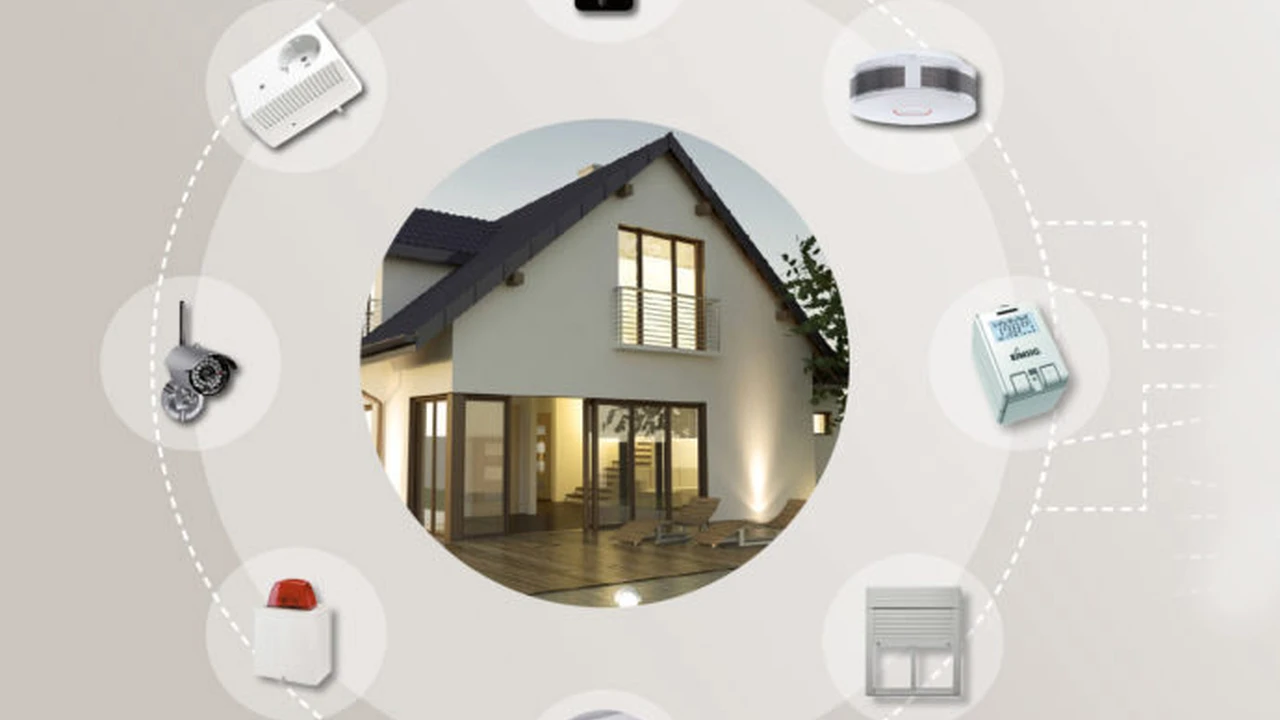
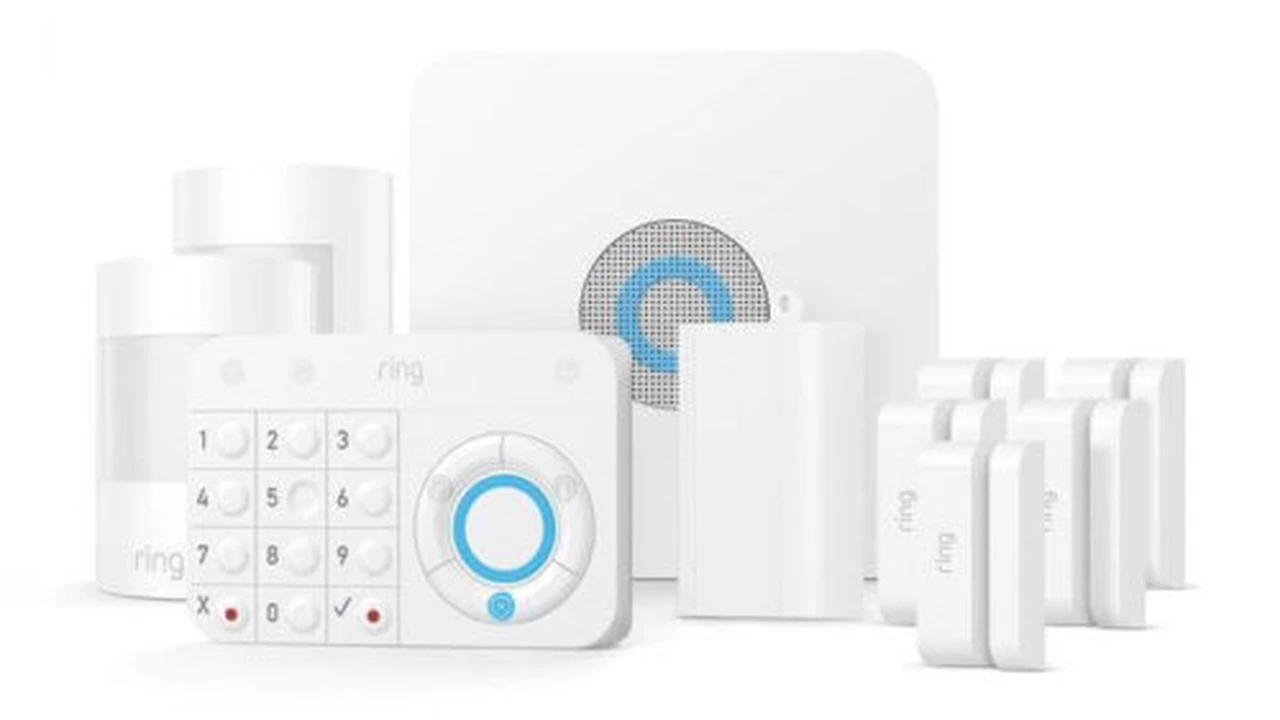
So, what exactly is a DIY smart home security system? Basically, it's a security setup that you purchase, install, and monitor yourself, without needing professional installers or long-term contracts with a security company. These systems typically consist of a central hub, various sensors (door/window, motion, glass break), cameras (indoor/outdoor), and often integrate with other smart home devices like smart locks or lighting. The 'smart' part means you can control and monitor everything from your smartphone, often receiving real-time alerts and even viewing live camera feeds.
The appeal of DIY is huge. You're in control. You decide what components you need, where they go, and how they operate. This level of customization is a big draw for many homeowners, especially those who are tech-savvy or just prefer to handle things themselves. Plus, the market is flooded with options, from simple starter kits to comprehensive systems that rival professional installations.
The Advantages of DIY Smart Home Security Systems Cost Savings and Flexibility
Let's start with the good stuff – the pros of going DIY. There are quite a few compelling reasons why people choose this path.
Significant Cost Savings No Monthly Fees
One of the biggest draws of DIY smart home security is the potential for significant cost savings. When you opt for a professional installation, you're often looking at hefty upfront installation fees, equipment costs, and then ongoing monthly monitoring fees that can really add up over time. With DIY, you buy the equipment once, and that's often it. Many DIY systems offer self-monitoring options with no monthly fees at all, or much lower fees if you choose a basic professional monitoring plan.
For example, a professionally installed system might cost you $500-$1000 for installation and equipment, plus $30-$60 per month for monitoring. Over five years, that's easily $2300-$4600. A DIY system, on the other hand, might cost $200-$500 for the initial equipment, and if you self-monitor, your ongoing cost is zero. Even with optional professional monitoring, it's often in the $10-$25 range, saving you hundreds, if not thousands, over the years.
Flexibility and Customization Tailor to Your Needs
DIY systems offer unparalleled flexibility. You get to choose exactly which components you want and where to place them. Need an extra door sensor for the back shed? No problem, just buy one and add it to your system. Want to upgrade your indoor camera to one with person detection? You can do that too. This modular approach means your security system can grow and adapt with your needs, without having to call a technician or pay for service calls.
This is particularly great for renters or those who move frequently. You can easily pack up your system and take it with you to your new home, avoiding the hassle and expense of reinstalling a new system or transferring a contract.
Easy Installation and Setup User Friendly Interfaces
Don't let the 'DIY' part scare you. Most modern DIY smart home security systems are designed to be incredibly user-friendly. Installation often involves simply peeling and sticking sensors, plugging in cameras, and connecting a hub to your Wi-Fi. The accompanying smartphone apps guide you through the setup process step-by-step, making it accessible even for those who aren't particularly tech-savvy.
Think about it like setting up a new smart speaker or a Wi-Fi router. If you can handle that, you can likely handle a DIY security system. This ease of installation means you can have your system up and running in an hour or two, rather than waiting days or weeks for a professional appointment.
Empowerment and Control Self Monitoring Options
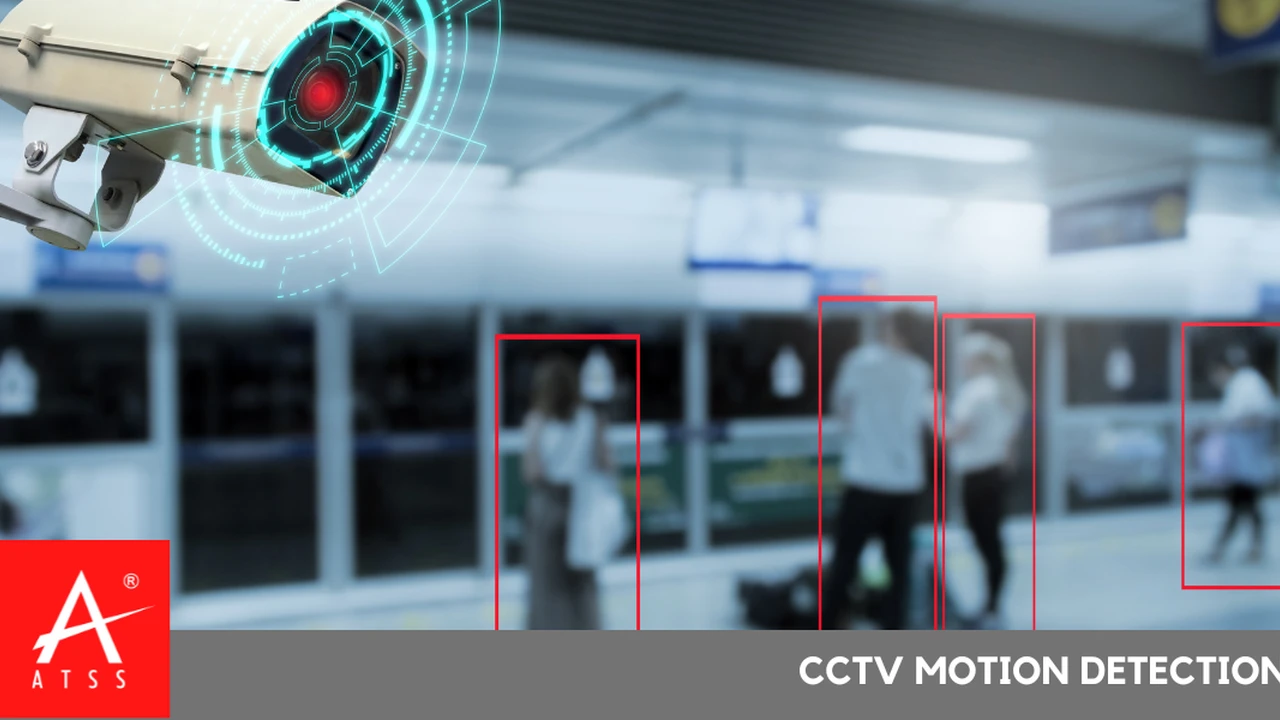
With a DIY system, you're in the driver's seat. You receive all the alerts directly to your phone, allowing you to decide how to respond. See an unfamiliar face on your camera feed? You can immediately check the live view, sound an alarm, or even call the police yourself. This level of direct control can be very empowering and gives you peace of mind knowing you're directly connected to your home's security.
For many, the ability to self-monitor is a huge plus. It means you're not relying on a third-party monitoring center to assess a situation and then contact you. You get the information first-hand and can react instantly.
The Disadvantages of DIY Smart Home Security Systems Potential Challenges
Now, let's look at the other side of the coin. While DIY systems offer many benefits, they also come with some potential drawbacks you should be aware of.
Responsibility for Installation and Maintenance Technical Skills Required
Since it's DIY, you're responsible for everything. This includes correctly installing all the components, ensuring they're communicating properly, and troubleshooting any issues that arise. While most systems are user-friendly, some people might find the technical aspects challenging. If a sensor stops working or a camera goes offline, you'll be the one diagnosing and fixing the problem.
This also extends to maintenance. You'll need to periodically check battery levels, clean camera lenses, and ensure your Wi-Fi network is stable enough to support all your devices. If you're not comfortable with basic tech troubleshooting, this could be a source of frustration.
No Professional Monitoring by Default Emergency Response
While many DIY systems offer optional professional monitoring, it's not always included by default, especially if you're trying to keep costs down. If you choose to self-monitor, you are solely responsible for contacting emergency services in case of an alarm. This means if you're away from your phone, in a meeting, or simply asleep, you might miss a critical alert, delaying emergency response.
Professional monitoring centers are staffed 24/7 and are trained to quickly verify alarms and dispatch police, fire, or medical services. This can be a significant advantage, especially if you travel frequently or have family members who might not be able to respond to alerts themselves.
Potential for False Alarms User Error
Incorrect installation or improper settings can lead to a higher incidence of false alarms with DIY systems. If a motion sensor is placed too close to a window where curtains might blow, or if a door sensor isn't perfectly aligned, you could get frequent false alerts. These can be annoying and, in some areas, repeated false alarms can even lead to fines from local authorities.
Learning the nuances of your system and properly configuring sensitivity settings takes time and attention. A professional installer would typically handle this optimization for you, minimizing false alarms from the get-go.
Limited Integration with Other Smart Home Ecosystems Compatibility Issues
While many DIY security systems integrate with popular smart home platforms like Amazon Alexa or Google Assistant, their integration with other smart home devices might be limited. If you have a diverse smart home setup with devices from various manufacturers, you might find that your DIY security system doesn't seamlessly communicate with everything. This can lead to a fragmented smart home experience, where you have to use multiple apps to control different aspects of your home.
Some professional systems, especially those from larger providers, often have more robust and proprietary integrations that ensure all components work together flawlessly.
Who Should Consider a DIY Smart Home Security System Ideal Users
So, after weighing the pros and cons, who is a DIY system best suited for?
- Budget-Conscious Homeowners: If saving money on installation and monthly fees is your top priority, DIY is definitely the way to go.
- Tech-Savvy Individuals: If you're comfortable with technology, enjoy tinkering, and don't mind troubleshooting, you'll likely have a great experience.
- Renters or Frequent Movers: The portability and lack of long-term contracts make DIY systems ideal for those who don't own their home or anticipate moving.
- Those Who Prefer Control: If you want direct control over your security and prefer to self-monitor, DIY offers that freedom.
- Smaller Homes or Apartments: For smaller spaces, a DIY system can provide adequate coverage without the need for extensive professional planning.
Top DIY Smart Home Security Systems Product Recommendations and Comparisons
Alright, let's talk about some specific products. The market is full of great options, each with its own strengths. Here are a few popular and highly-rated DIY smart home security systems, along with their typical use cases and price ranges.
SimpliSafe The User Friendly Option
SimpliSafe is often lauded for its ease of installation and straightforward operation. It's a great choice for beginners in the DIY security world.
- Key Features: Wireless sensors, easy peel-and-stick installation, optional professional monitoring (no contract required), cellular backup, environmental sensors (smoke, CO, flood).
- Use Case: Ideal for homeowners and renters who want a reliable, easy-to-install system without complex features. Great for basic intrusion detection and environmental monitoring.
- Pros: Very easy to set up, no contracts for monitoring, good range of sensors, reliable performance.
- Cons: Cameras are decent but not top-tier, smart home integration is somewhat limited compared to others.
- Typical Price Range: Starter kits usually range from $200-$500, depending on the number of sensors. Professional monitoring plans start around $18-$28 per month.
Ring Alarm The Amazon Ecosystem Integrator
If you're already heavily invested in the Amazon ecosystem (Alexa, Ring doorbells, etc.), the Ring Alarm system is a natural fit.
- Key Features: Integrates seamlessly with other Ring devices and Alexa, affordable professional monitoring, Z-Wave compatibility for expanding with third-party devices, cellular and battery backup.
- Use Case: Perfect for users who already have Ring cameras or doorbells and want a unified security experience. Good for both small and medium-sized homes.
- Pros: Excellent integration with Ring and Alexa, very affordable professional monitoring, wide range of accessories.
- Cons: Some users report occasional connectivity issues, reliance on the Ring app for everything.
- Typical Price Range: Starter kits typically cost $200-$300. Professional monitoring (Ring Protect Plus) is around $20 per month or $200 annually, which is very competitive.
Arlo Security System The Camera Centric Choice
Arlo is renowned for its high-quality wireless cameras, and their security system builds on that strength, offering a more visual-centric approach to home security.
- Key Features: High-resolution wireless cameras (2K, 4K options), integrated siren, motion detection, person/vehicle/animal detection, optional professional monitoring, all-in-one sensor.
- Use Case: Best for users who prioritize advanced camera features and video surveillance. Great for monitoring specific areas with high detail.
- Pros: Industry-leading camera quality, truly wire-free cameras, smart detection features, flexible monitoring plans.
- Cons: Can be more expensive, battery life on cameras varies, professional monitoring is an add-on.
- Typical Price Range: A starter kit with a hub and a few cameras can range from $300-$600+. Professional monitoring is an additional subscription, often starting around $15-$20 per month.
Abode Home Security The Smart Home Power User's Pick
Abode is a favorite among smart home enthusiasts due to its extensive integration capabilities and robust feature set.
- Key Features: Supports Z-Wave, Zigbee, and HomeKit, wide range of sensors and cameras, optional professional monitoring (no contract), CUE automation engine for advanced rules.
- Use Case: Ideal for users who want a highly customizable system that integrates with a wide variety of smart home devices. Great for tech-savvy individuals building a comprehensive smart home.
- Pros: Excellent smart home integration, powerful automation features, reliable sensors, flexible monitoring options.
- Cons: Can be a bit more complex to set up for beginners, higher initial cost for advanced features.
- Typical Price Range: Starter kits range from $200-$400. Professional monitoring plans start around $20-$35 per month.
Wyze Home Monitoring The Ultra Affordable Option
Wyze is known for its incredibly affordable smart home devices, and their home monitoring system follows suit, offering basic security at a very low price point.
- Key Features: Very low cost, simple sensors, integrates with Wyze cameras, professional monitoring available through Noonlight.
- Use Case: Perfect for budget-conscious individuals or those living in smaller apartments who need basic security coverage.
- Pros: Extremely affordable equipment and monitoring, easy to use, integrates with existing Wyze devices.
- Cons: More basic features, not as robust as higher-end systems, limited smart home integration beyond Wyze ecosystem.
- Typical Price Range: Starter kits can be as low as $60-$100. Professional monitoring is often around $5-$10 per month.
Making the Right Choice for Your Home Security Needs
Deciding between a DIY smart home security system and a professionally installed one really boils down to your personal preferences, budget, and comfort level with technology. If you're looking for maximum control, flexibility, and cost savings, and you don't mind getting your hands a little dirty with installation and troubleshooting, a DIY system is an excellent choice.
However, if you prefer a hands-off approach, want the peace of mind of 24/7 professional monitoring without having to think about it, or have a very large and complex property, a professionally installed system might be a better fit. Many DIY systems now offer optional professional monitoring, bridging that gap somewhat, but the core difference remains in who handles the setup and ongoing maintenance.
Ultimately, the best security system is the one that you'll actually use and that makes you feel safe and secure in your home. Do your research, compare features and prices, and consider what truly matters most to you in a home security solution. Happy securing!
:max_bytes(150000):strip_icc()/277019-baked-pork-chops-with-cream-of-mushroom-soup-DDMFS-beauty-4x3-BG-7505-5762b731cf30447d9cbbbbbf387beafa.jpg)